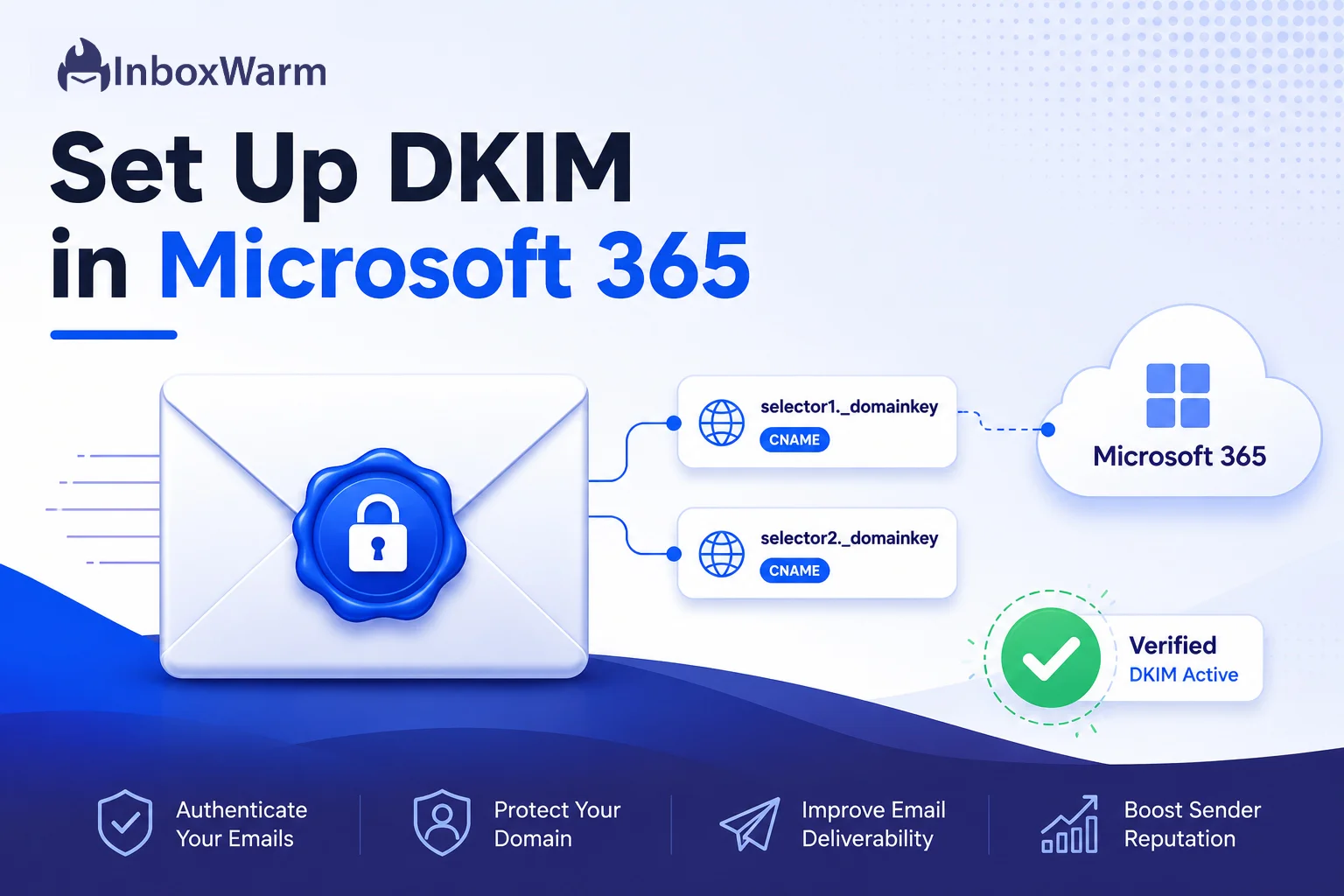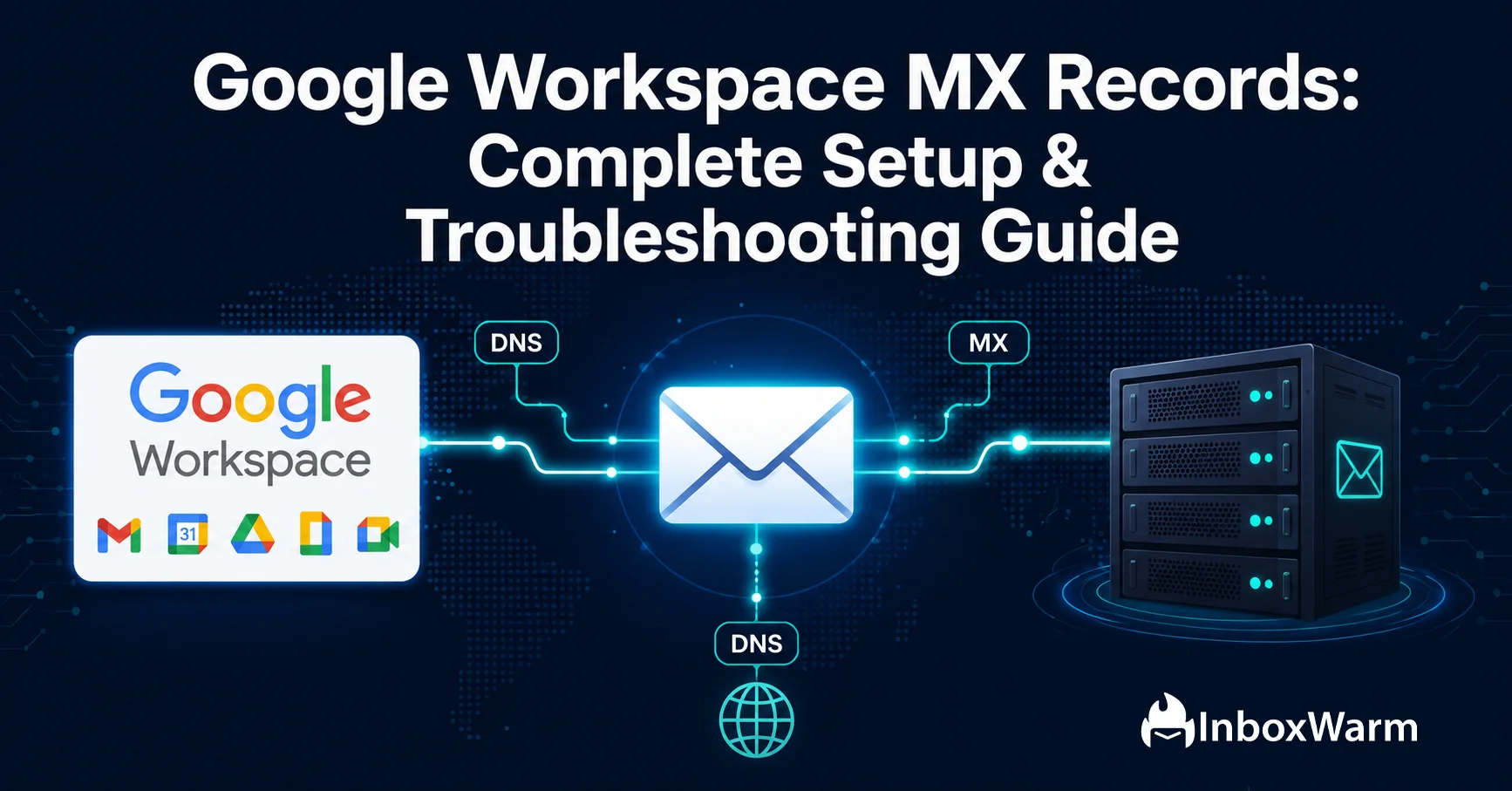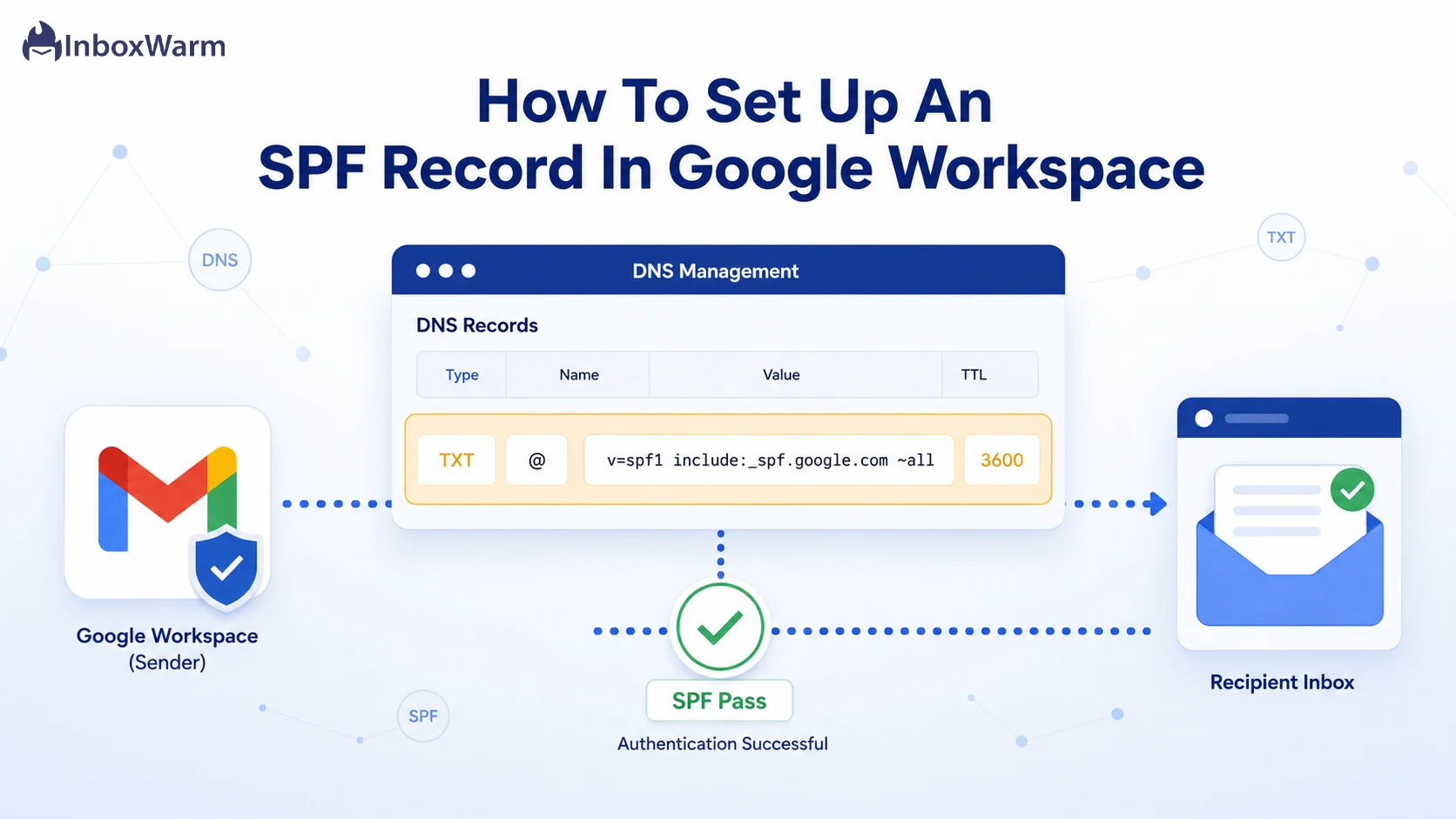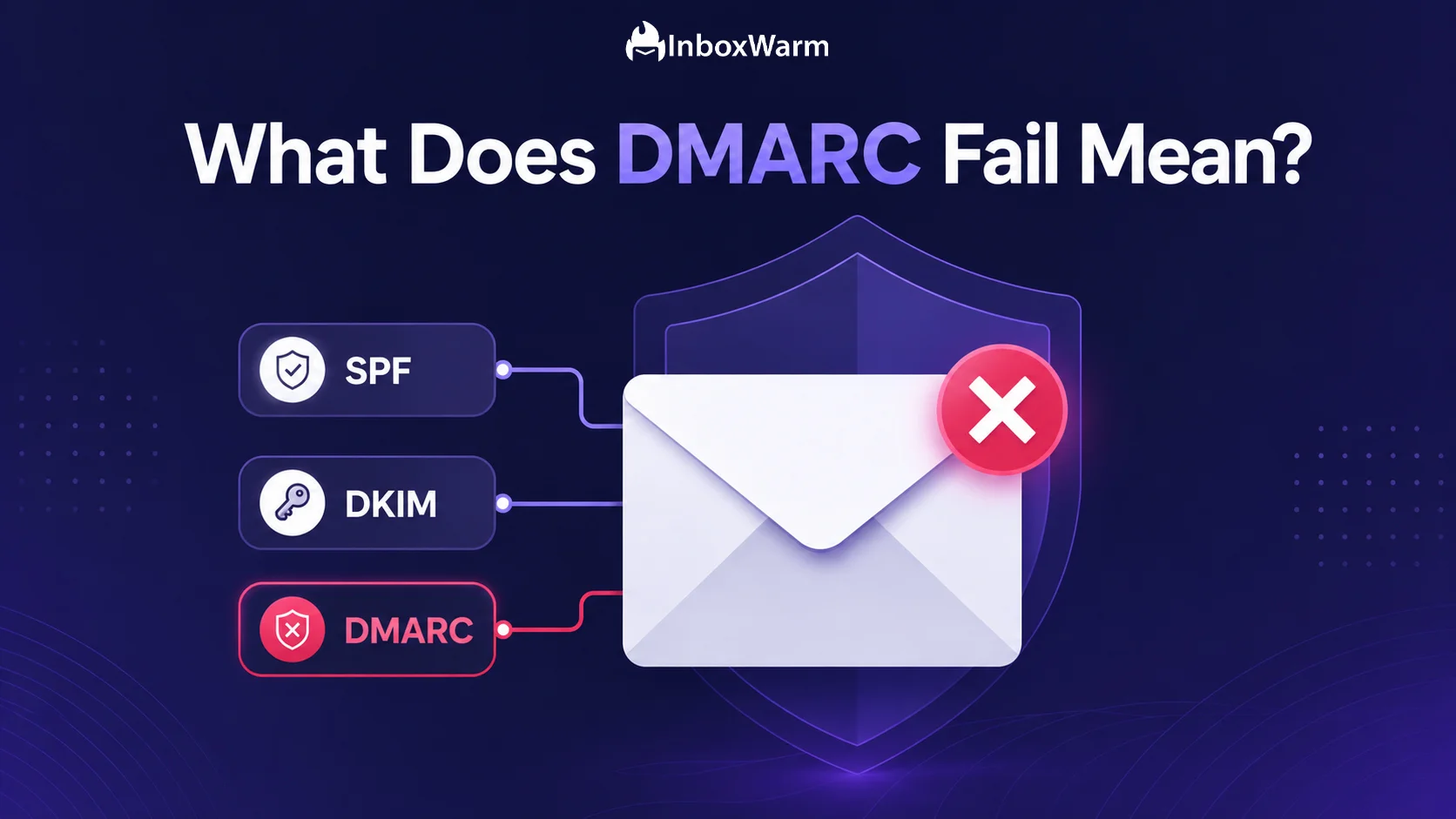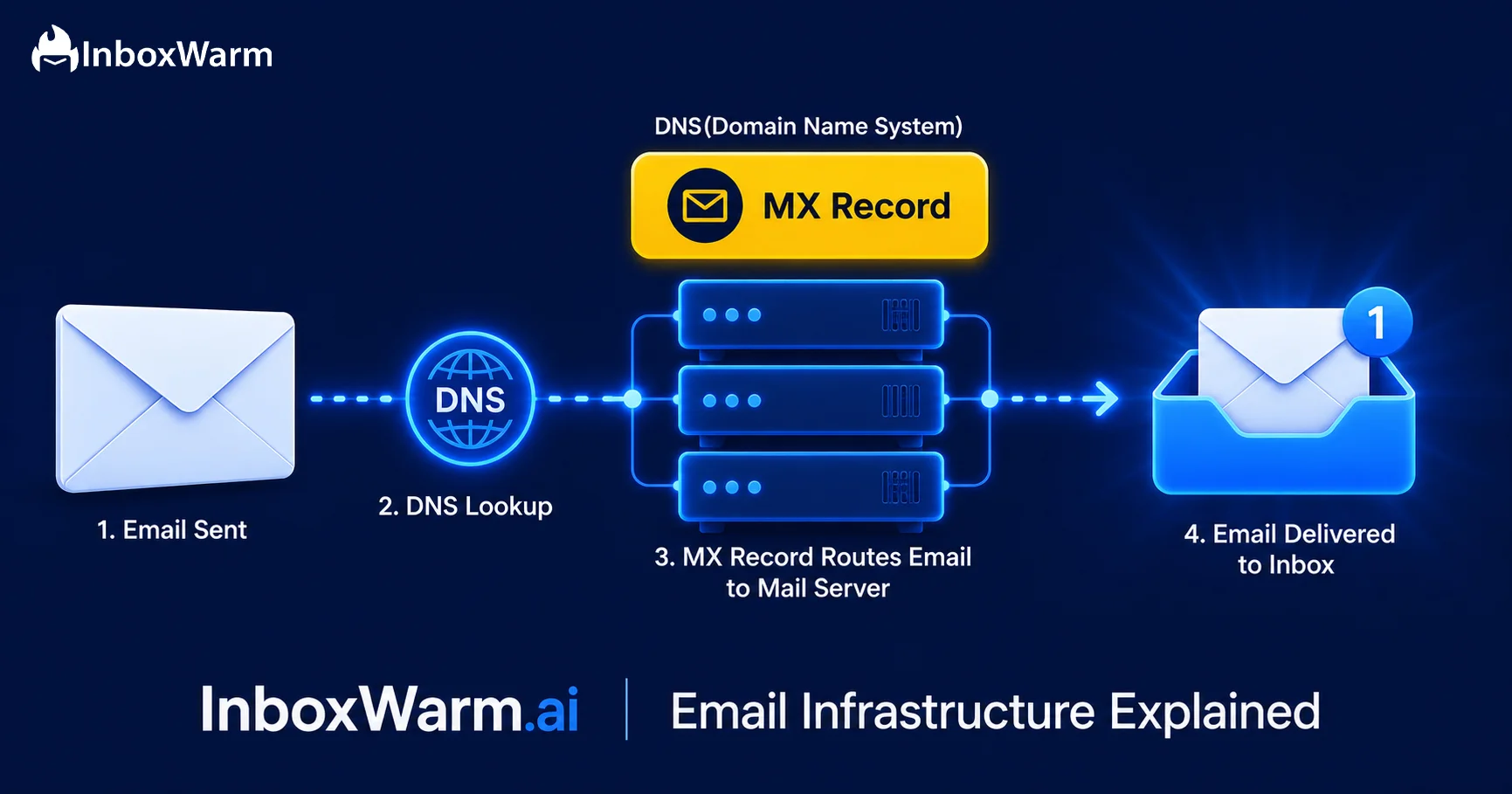
Step-by-step guides on setting up SPF, DKIM, DMARC, and MX records for Google Workspace and Microsoft 365, helping you protect your domain and improve email deliverability.
Get clear answers to common questions about SPF, DKIM, DMARC, DNS records, domain security, and how email authentication affects deliverability.
Email authentication is a set of protocols that helps receiving mail servers verify whether an email genuinely comes from the domain it claims to represent. It helps prevent email spoofing, protects your domain from impersonation, and supports better email deliverability.
Start by identifying your email service provider and obtaining the required DNS record values from its documentation or settings. Add the SPF, DKIM, and DMARC records to your domain's DNS configuration, allow time for propagation, and test each record to confirm it works correctly.
The receiving server may accept the message, send it to spam, quarantine it, or reject it depending on its filtering rules and your DMARC policy. A failed authentication check does not always mean an email will be blocked, but repeated failures can create deliverability and security problems.
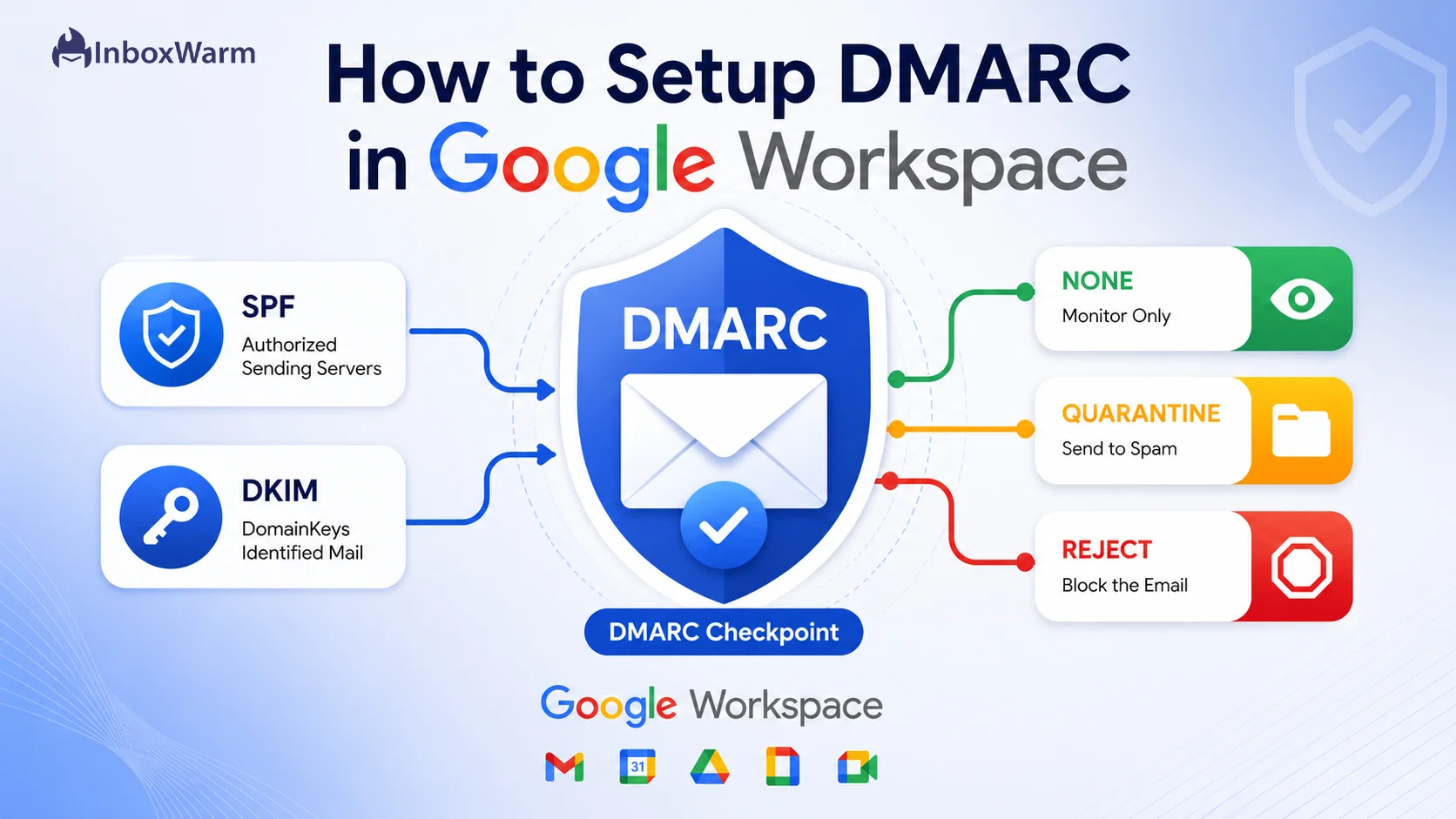
A DMARC policy tells receiving email servers how to handle messages that fail DMARC authentication. The three main policies are p=none for monitoring, p=quarantine for treating failing messages as suspicious, and p=reject for requesting rejection; starting with monitoring is generally recommended before enforcing stricter policies.
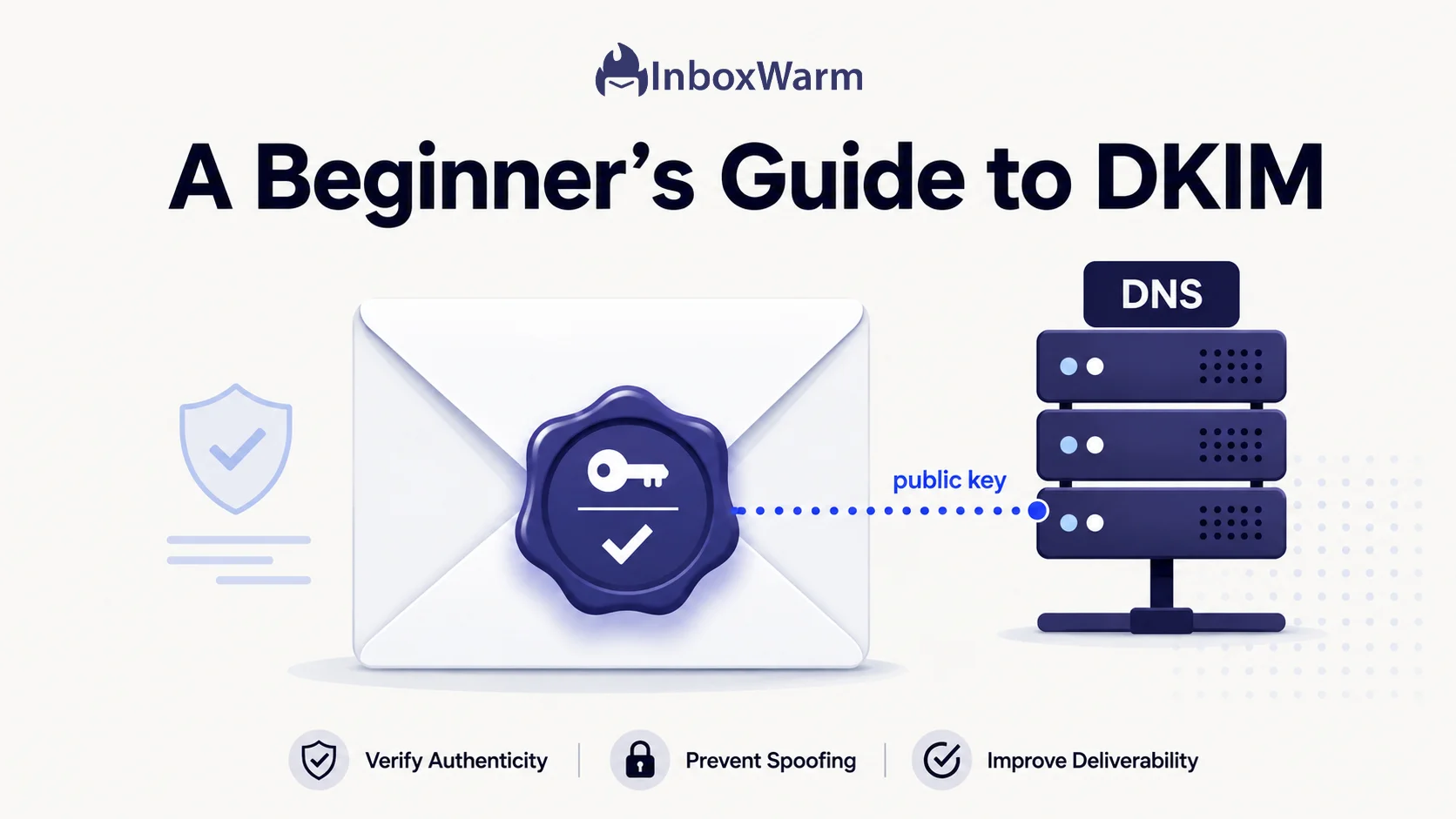
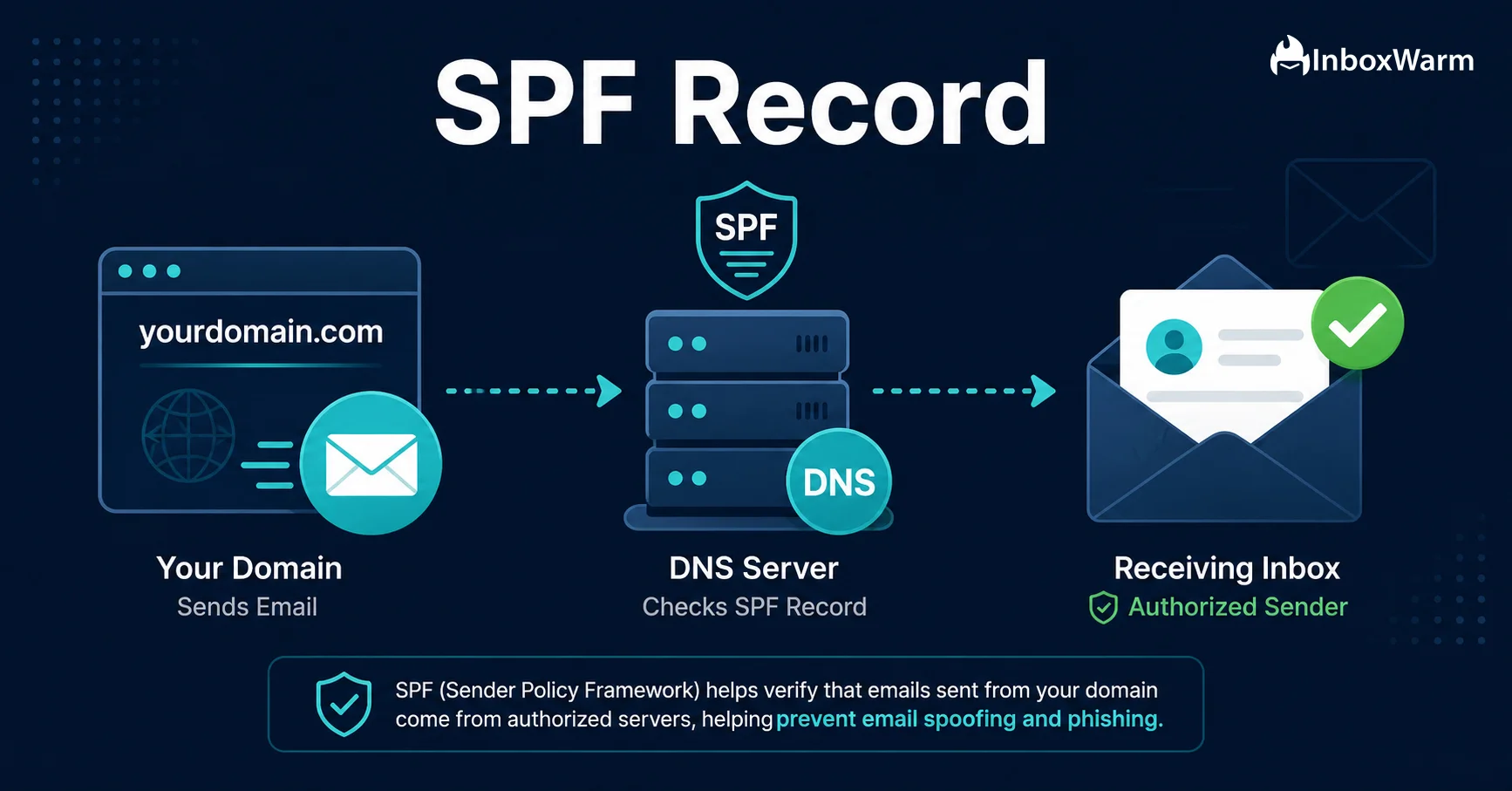
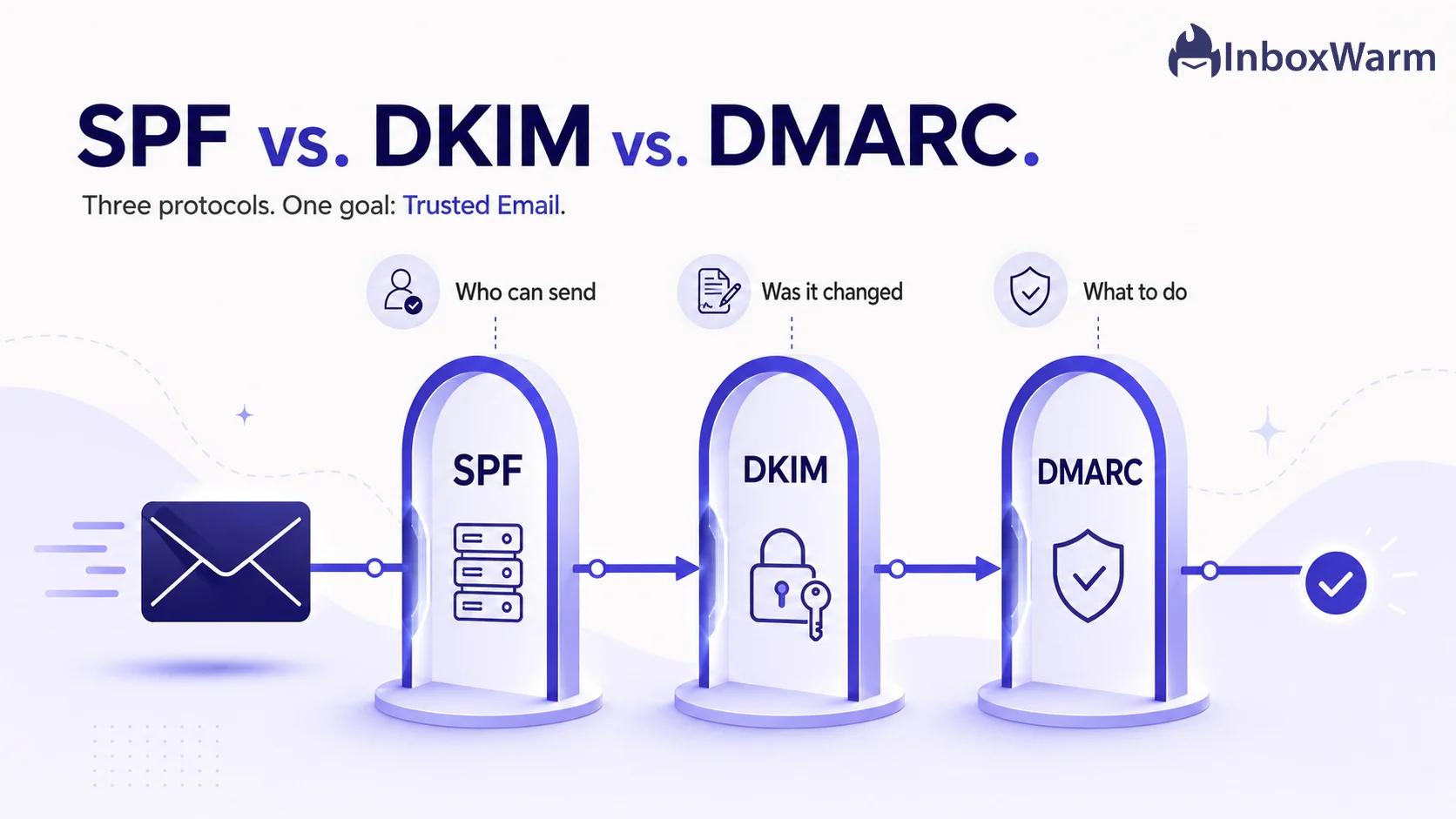
SPF verifies whether a sending server is authorized to send emails for your domain, while DKIM uses cryptographic signatures to verify message authenticity and integrity. DMARC builds on both by checking domain alignment and defining how receiving servers should handle messages that fail authentication.
You can check email authentication by examining the message headers of a delivered email for SPF, DKIM, and DMARC results. Online DNS lookup and email authentication testing tools can also help identify missing records, incorrect configurations, and alignment issues.
Yes, proper email authentication helps receiving providers verify your sending domain and establish trust in your messages. However, passing SPF, DKIM, and DMARC checks does not guarantee inbox placement, as sender reputation, email content, recipient engagement, and spam complaints also matter.
Review your authentication records regularly and whenever you add a new email service, change providers, or modify your sending infrastructure. Monitoring DMARC reports and periodically checking SPF and DKIM configurations helps identify authentication failures before they affect legitimate email traffic.
Step-by-step guides on setting up SPF, DKIM, DMARC, and MX records for Google Workspace and Microsoft 365, helping you protect your domain and improve email deliverability.
Email authentication is one of the most important foundations of reliable email communication. Whether you send cold outreach campaigns, marketing newsletters, or transactional emails, receiving servers need a way to verify that your messages genuinely come from your domain. Without proper authentication, emails may be flagged as suspicious, rejected, or delivered to spam folders. Understanding SPF, DKIM, and DMARC helps you protect your domain, establish sender trust, and improve email deliverability. This category covers practical email authentication techniques, configuration guides, and troubleshooting advice to help you maintain a healthy sending reputation.
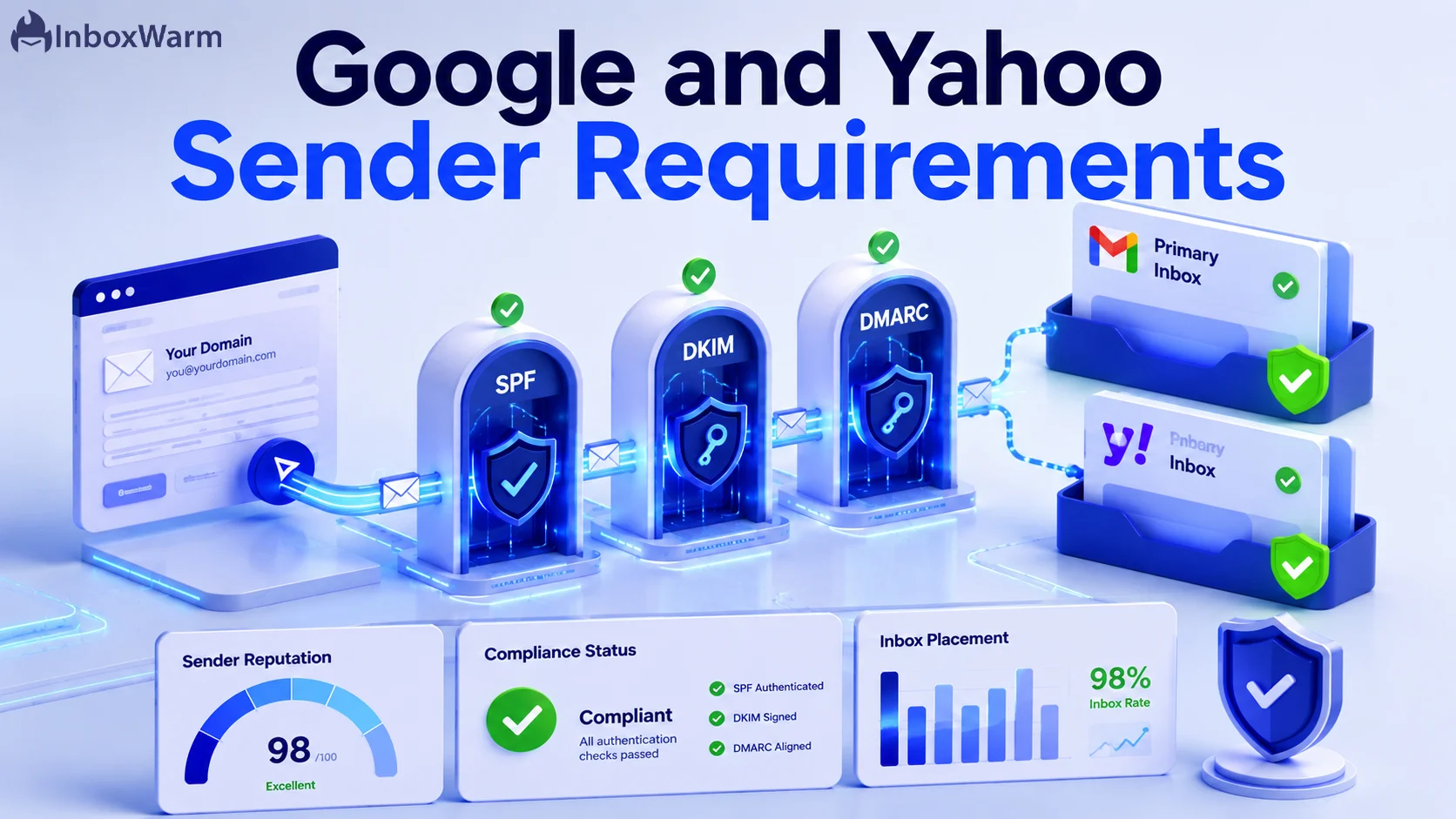
Three authentication protocols work together to help receiving mail servers verify your identity and detect unauthorized email activity.
These protocols serve different purposes and should be configured together. SPF authorizes sending infrastructure, DKIM verifies message signatures, and DMARC establishes alignment and provides policy controls and reporting.
Understanding how each protocol works makes it easier to identify configuration problems and determine which authentication records your domain needs.
| Protocol | Primary Purpose | What It Checks | Key Benefit |
|---|---|---|---|
| SPF | Sender authorization | Whether the sending server is authorized by the SPF record | Helps prevent unauthorized sending infrastructure from using your domain |
| DKIM | Message verification | Cryptographic signature and signed message content | Helps verify message integrity and domain association |
| DMARC | Authentication policy and alignment | Whether SPF or DKIM passes with the required domain alignment | Provides protection policies and authentication reports |
Passing all three checks is a strong starting point for email security. However, authentication alone does not guarantee inbox placement. Sender reputation, recipient engagement, email content, and sending behavior also influence deliverability.
Proper configuration requires access to your domain's DNS settings and the authentication information provided by your email service provider. Follow this routine when setting up a new sending domain or reviewing an existing configuration.
Even small DNS configuration errors can affect email authentication. Common problems include publishing multiple SPF records, forgetting to authorize a new sending provider, using an incorrect DKIM selector, and enforcing strict DMARC policies before identifying all legitimate sending sources.
Another common mistake is assuming that authentication guarantees inbox delivery. A domain can pass SPF, DKIM, and DMARC checks while still experiencing spam placement because of poor sender reputation, high complaint rates, or irrelevant email content. Regularly reviewing authentication results alongside bounce rates, spam complaints, and engagement signals provides a more complete picture of your email health.
Key takeaway: SPF, DKIM, and DMARC establish the foundation of email trust, but consistent sending practices and ongoing reputation monitoring are equally important for sustainable email deliverability.
Build Trust with Proper Email Authentication
Learn how SPF, DKIM, and DMARC work together to protect your domain, prevent email spoofing, and improve inbox placement