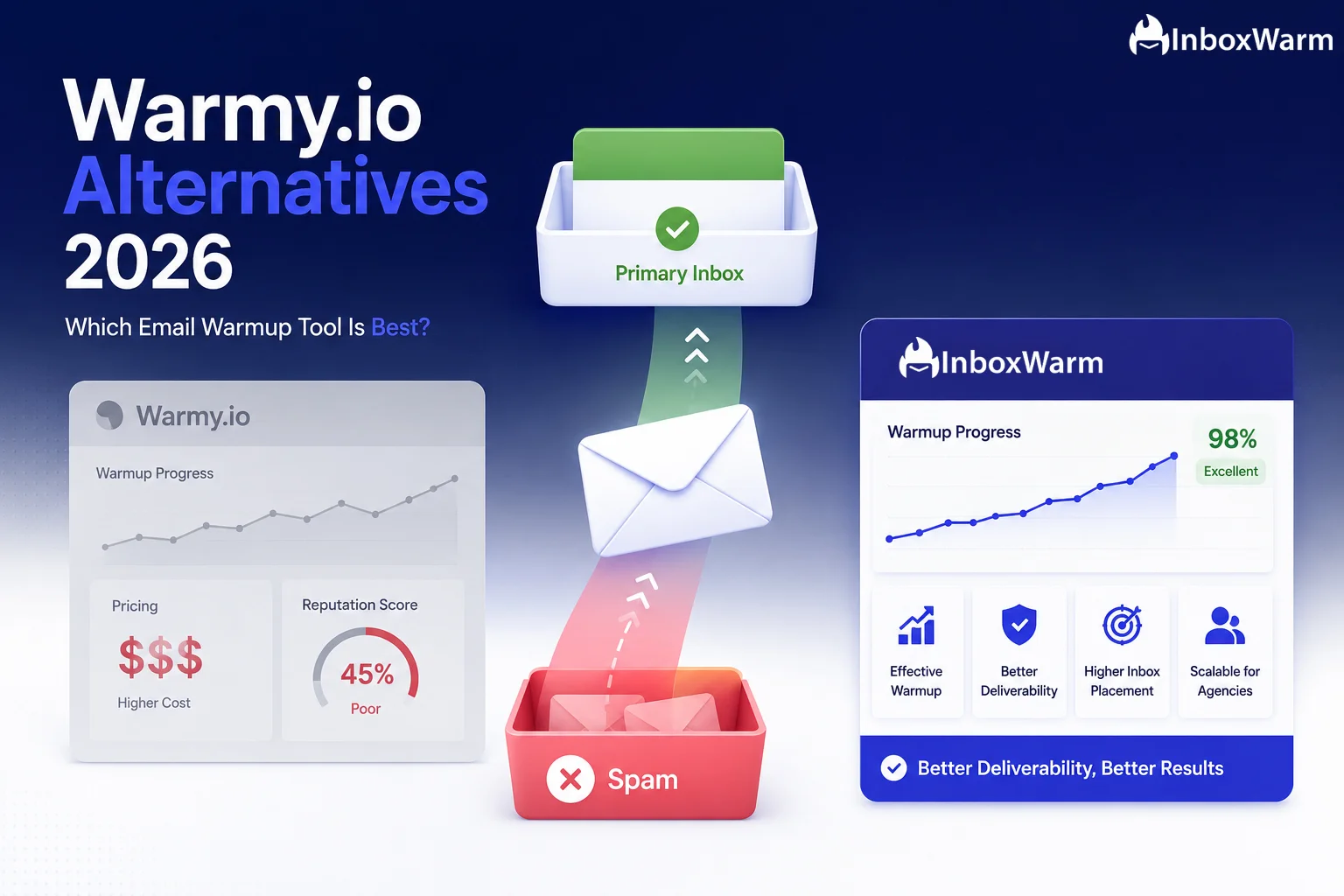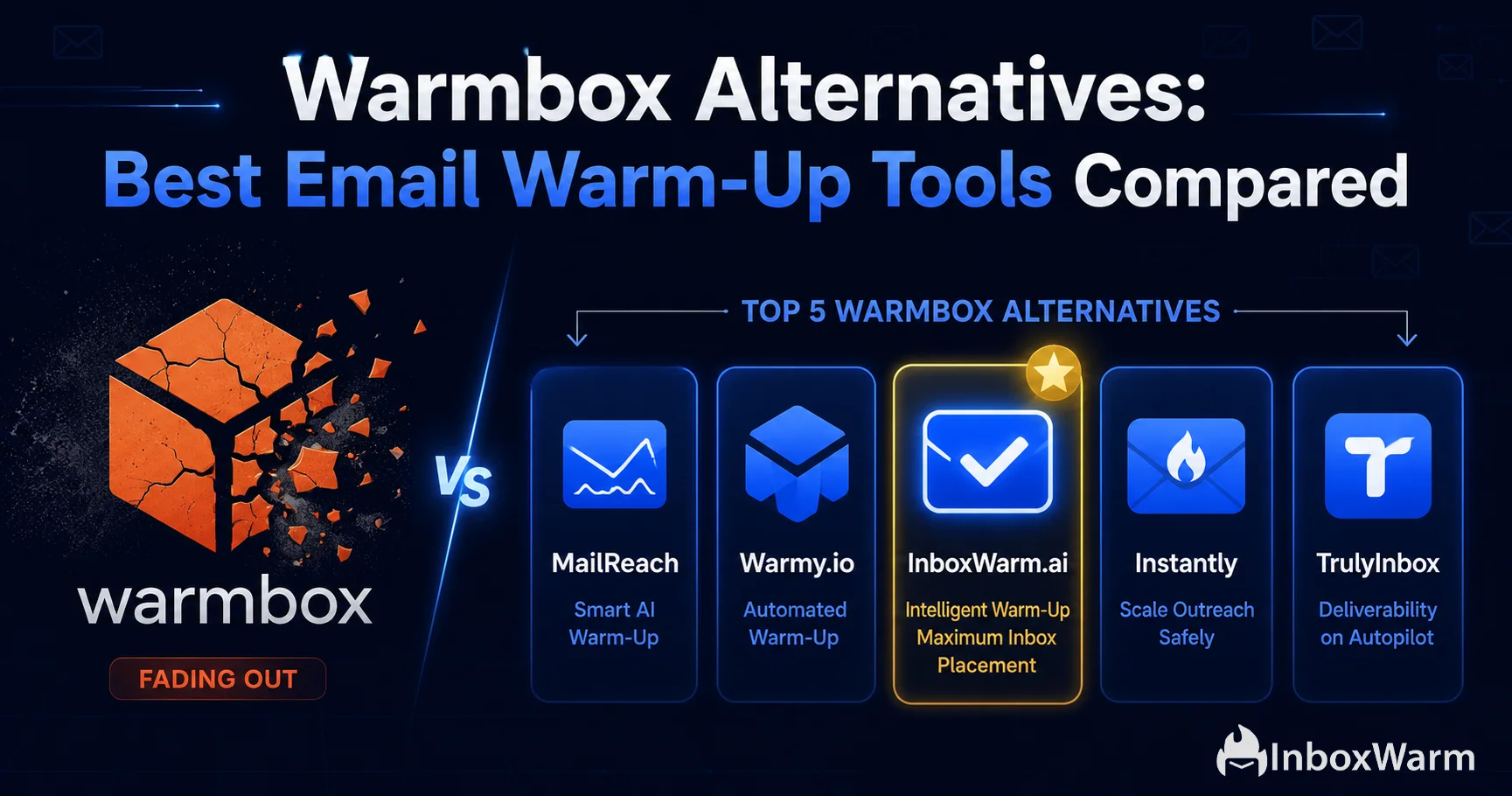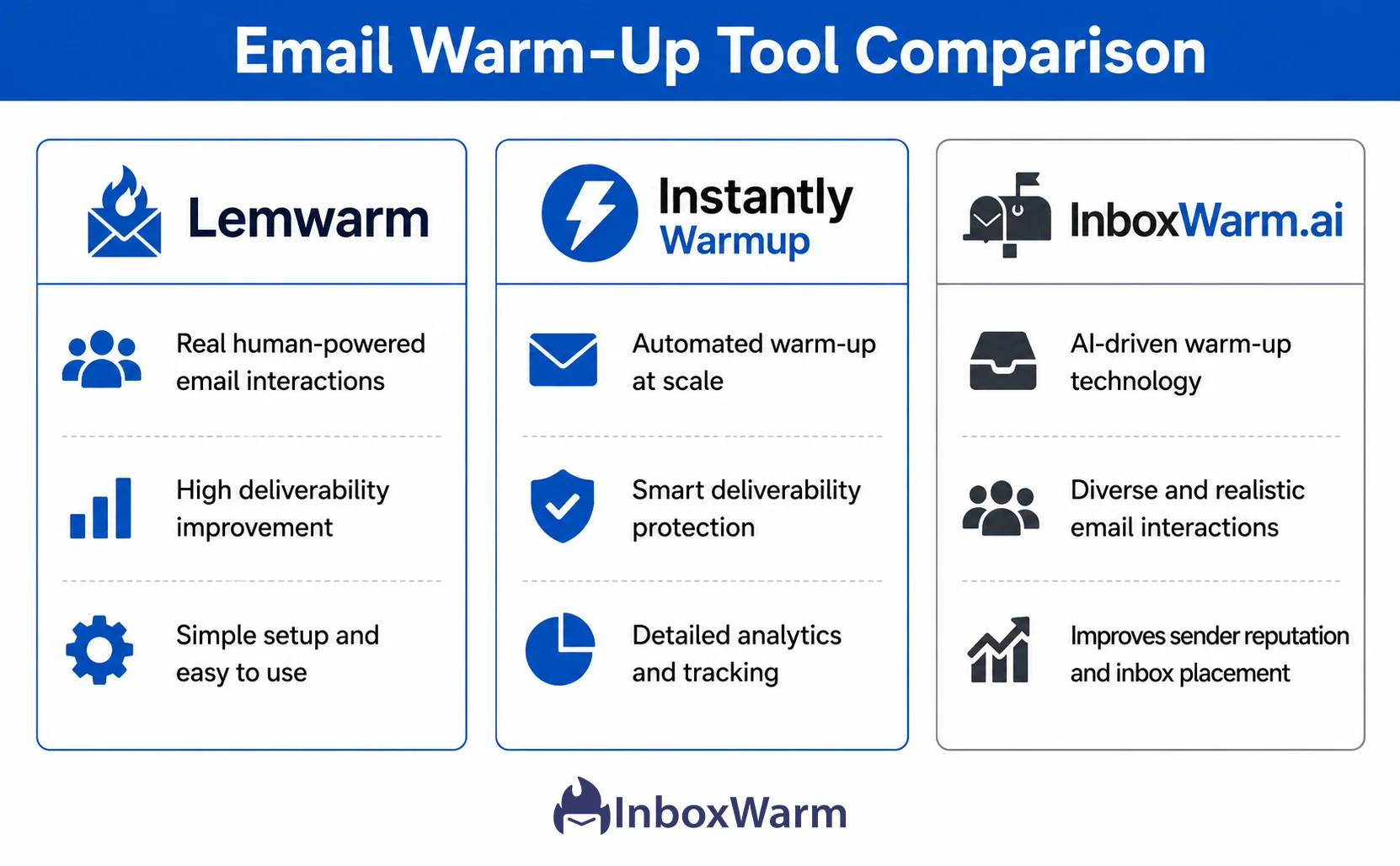
Honest comparisons of top email warmup tools and alternatives, including Warmy, Lemwarm, and Warmbox, to help you choose the right solution for better inbox placement.
Find answers to common questions about comparing email warmup platforms, evaluating features, pricing, integrations, and choosing the right tool.
The best email warmup tool depends on your mailbox provider, outreach requirements, budget, and preferred automation features. Compare platforms based on mailbox compatibility, reporting, security, and ease of use rather than relying only on popularity or advertised sending volumes.
When comparing InboxWarm with other platforms, evaluate their warm-up automation, deliverability features, supported mailbox providers, account management, and pricing. The most suitable option depends on which capabilities match your sending requirements and how effectively you can monitor your mailbox performance.
Automated tools can reduce manual effort by coordinating sending schedules and email exchanges across connected accounts. Manual warm-up gives you more direct control over genuine communication, but requires ongoing time and organization. Neither approach guarantees improved inbox placement.
Agencies managing multiple client mailboxes should look for centralized account management, team access, mailbox organization, automation controls, and clear reporting. Security permissions, subscription limits, and the ability to manage separate client accounts are also important considerations.
Free email warmup tools can be useful for testing basic functionality or understanding how automated warm-up works. However, check their mailbox limits, automation restrictions, reporting capabilities, and data handling policies before connecting your business email accounts.
Many email warmup platforms support Google Workspace and Microsoft 365, but compatibility varies between providers and individual tools. Check whether the platform supports your specific mailbox type and authentication method before connecting an account.
Using multiple warm-up tools on one mailbox can create overlapping sending schedules, inconsistent activity, and unnecessary email volume. It is generally better to use one coordinated warm-up system per mailbox and monitor all other sending activity to avoid exceeding provider limits.
Email warmup tool pricing varies according to the number of connected mailboxes, automation features, reporting capabilities, and subscription plans. Some platforms offer free tiers or trials, while others charge monthly or annually. Compare the total cost for your required mailbox capacity before choosing a subscription.
Honest comparisons of top email warmup tools and alternatives, including Warmy, Lemwarm, and Warmbox, to help you choose the right solution for better inbox placement.
Choosing the right email warmup tool can make a difference in how effectively you prepare mailboxes for cold outreach and maintain consistent sending activity. With multiple platforms offering automated warm-up, inbox monitoring, and deliverability features, comparing tools requires more than looking at pricing or the number of supported accounts. You need to understand how each platform handles sending activity, engagement, mailbox connections, reporting, and account management. This category explores email warmup tool comparisons, helping you evaluate different platforms, understand their features, and identify the solution that best fits your outreach requirements.
Not every email warmup platform works in the same way. Some focus primarily on automated email exchanges, while others combine warm-up functionality with deliverability monitoring and mailbox management. Understanding these differences helps you avoid paying for features you do not need.
When comparing email warmup tools, pay attention to the following features:
Email warmup platforms can differ significantly in their approach and available functionality. Some are designed for individuals managing a single mailbox, while others support agencies and sales teams handling multiple sending accounts. The following comparison highlights common tool categories rather than ranking individual providers.
| Tool Type | Main Features | Best Suited For | Potential Limitation |
|---|---|---|---|
| Basic Warmup Tools | Automated sending and engagement activity. | Individuals preparing individual mailboxes. | May offer limited reporting and monitoring. |
| Advanced Warmup Platforms | Automated warm-up, scheduling, and mailbox management. | Sales teams and regular outreach users. | Advanced features may increase subscription costs. |
| Deliverability Platforms | Warm-up features alongside deliverability testing and monitoring. | Businesses managing broader email infrastructure. | May require more configuration and technical knowledge. |
| Agency-Focused Tools | Multiple mailbox management, team access, and account organization. | Agencies managing several client campaigns. | Pricing and account limits may vary considerably. |
Remember that automated warm-up activity does not guarantee inbox placement. Compare whether platforms provide meaningful diagnostic information rather than relying exclusively on engagement simulations or advertised warm-up volumes.
A practical evaluation process helps you select a platform based on your actual requirements instead of promotional claims. Follow these steps before committing to a subscription.
One common mistake is selecting a platform solely because it advertises high automated sending volumes. More activity does not automatically mean better reputation or inbox placement, and excessive sending can create additional risks. Another mistake is ignoring mailbox compatibility, security permissions, or restrictions hidden within lower subscription plans.
You should also distinguish between email warmup and email deliverability testing. Warmup tools manage sending activity, while deliverability testing helps investigate authentication, spam placement, and technical issues. Some platforms offer both, but these functions are not interchangeable. Compare tools based on their actual capabilities, transparency, and suitability for your email infrastructure.
Key takeaway: The right email warmup tool should match your mailbox requirements, provide useful monitoring, offer transparent pricing, and support responsible sending practices.
Choose the Right Email Warmup Platform
Explore InboxWarm's AI-powered email warmup and deliverability features to evaluate how they fit your outreach workflow.